 Timecard |
 Continously Updated Web-Ready |
 Daily Use Chart |
SofTrack's unique Windows® workstation agent technology provides a low overhead mechanism to track your users' connection activities.
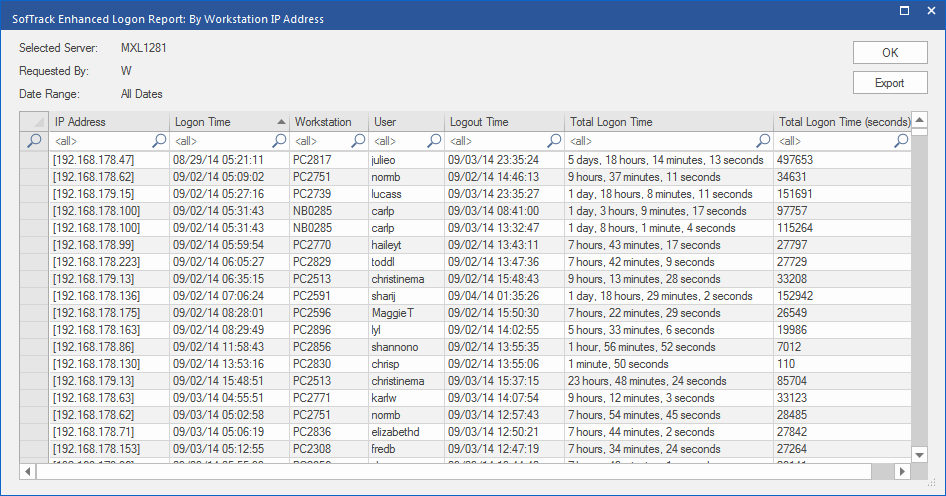
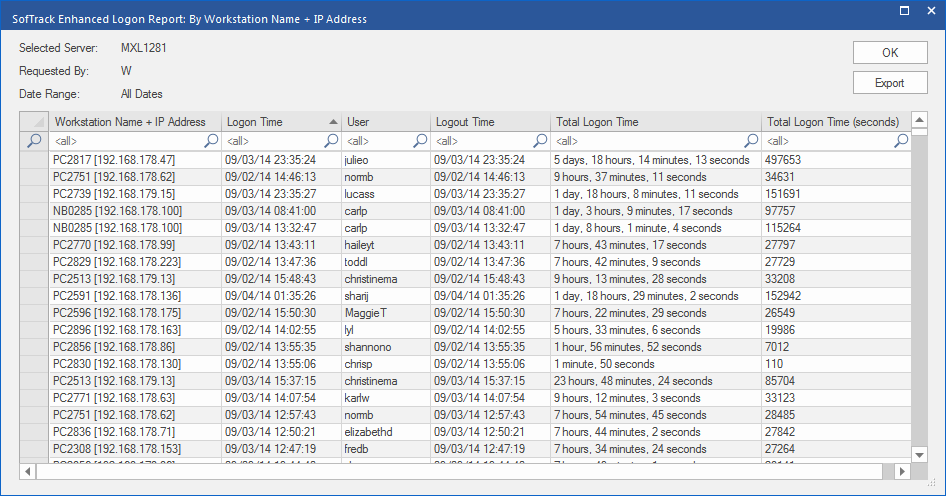
When you use SofTrack's simple reporting interface you can customize any of the 5 available logon reports:
Sample Report Screenshots:
By User Logon Name Detail
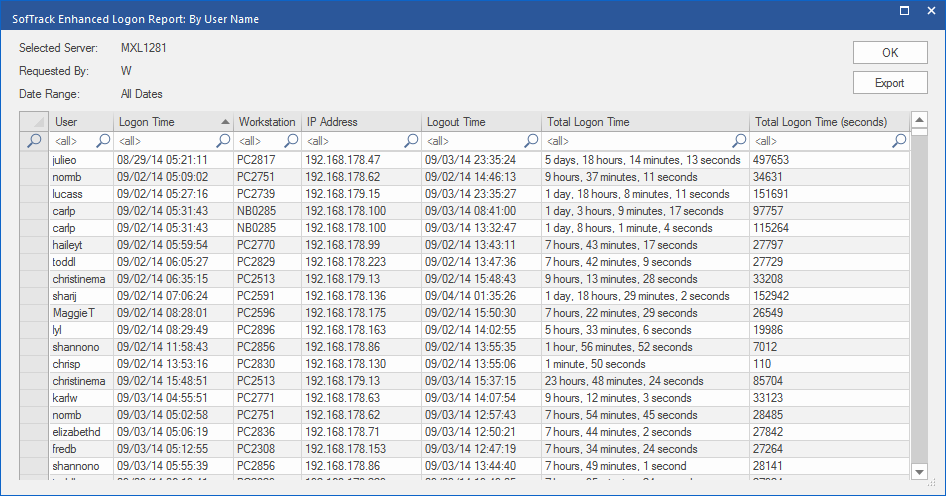
By User Logon Name Summary
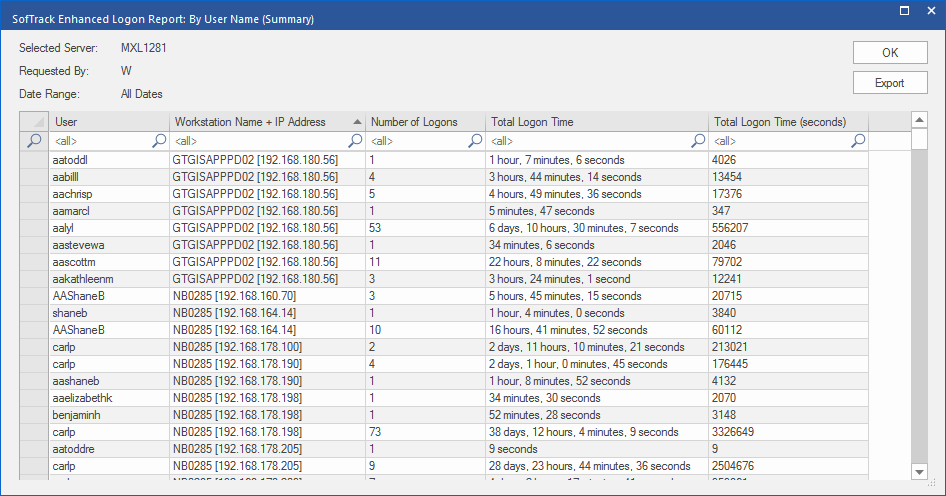
By Workstation IP Address Detail
By Workstation Name + IP Address Detail
By Workstation Name + IP Address Summary

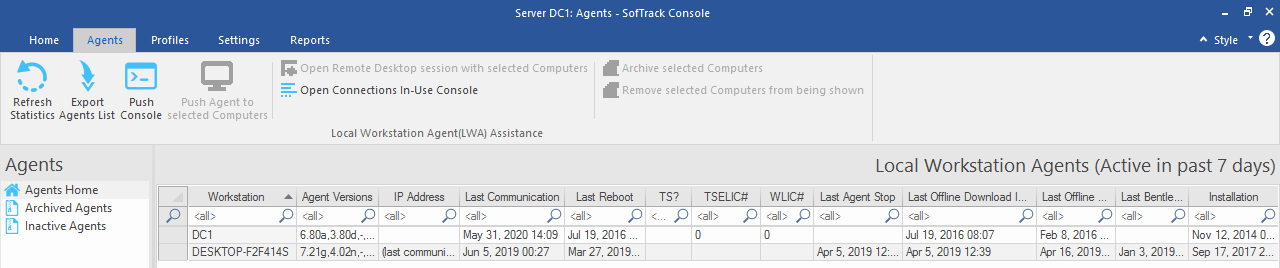
Also included is a real-time reporting of who is currently logged on revealing each workstation's last reboot time, terminal server session number and last application used.
Who is currently logged on:
SofTrack's original Logon and Logoff tracking is recorded as a detailed log of each specific activity.
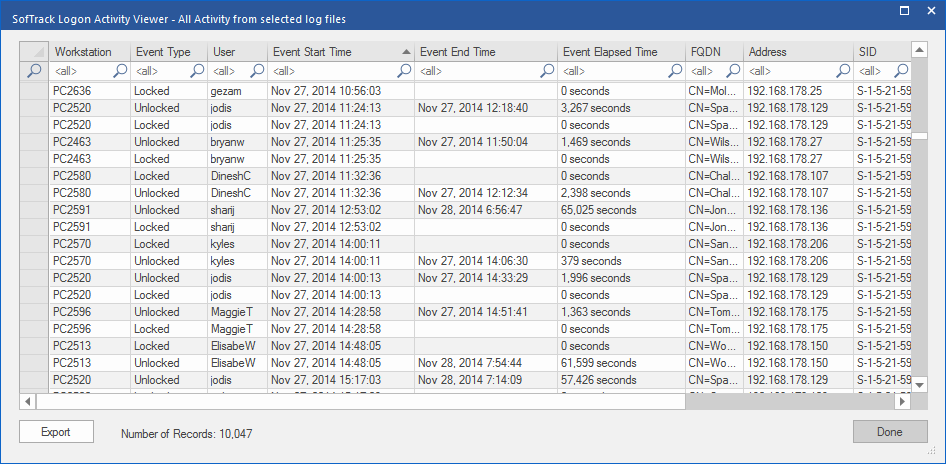
Data recorded in the original raw log per workstation of Logon and Logoff tracking includes:

SofTrack > Simplifying IT Asset Management
©1987:2021 Integrity Software, Inc. | Contact